

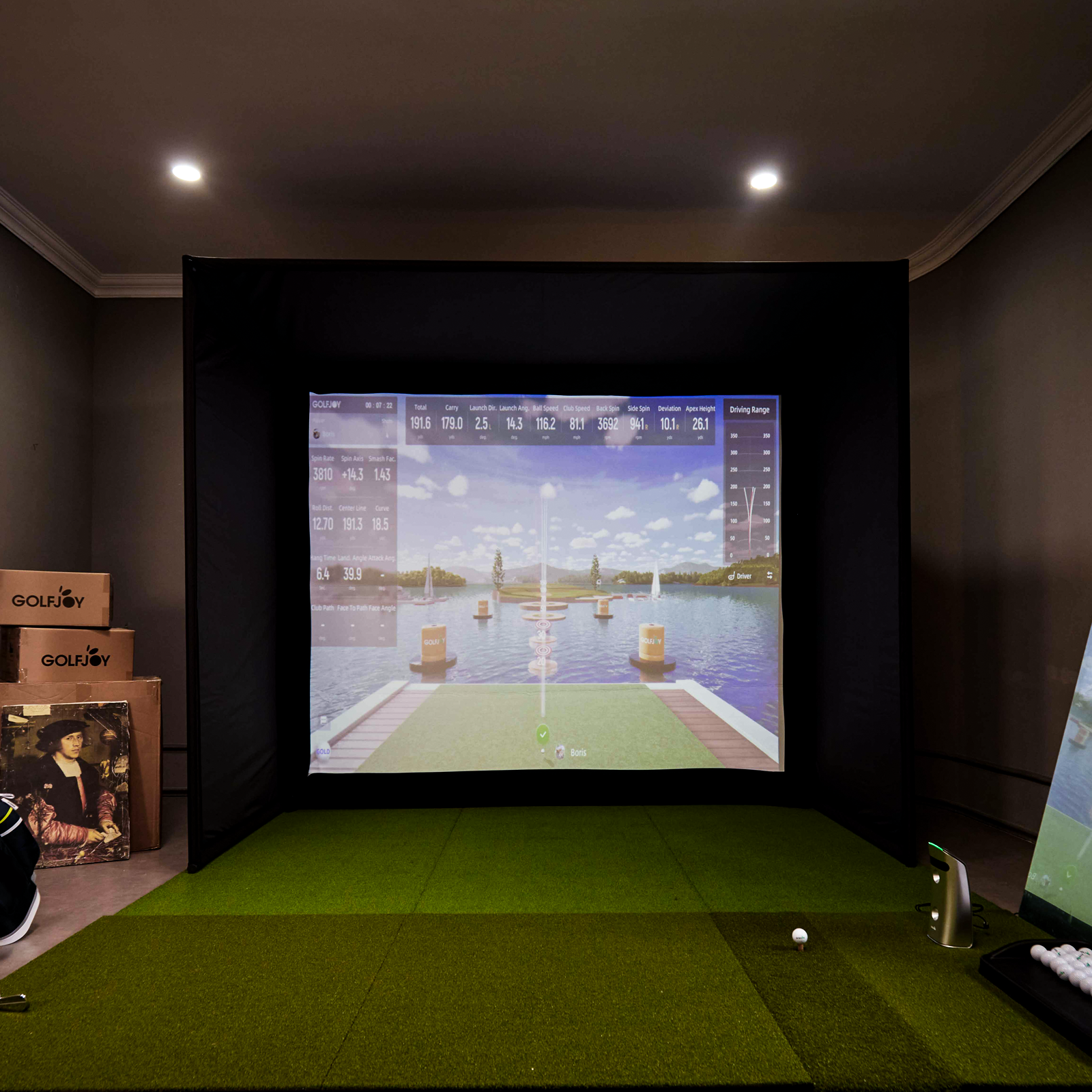

About Launch Monitors
What is a golf launch monitor?
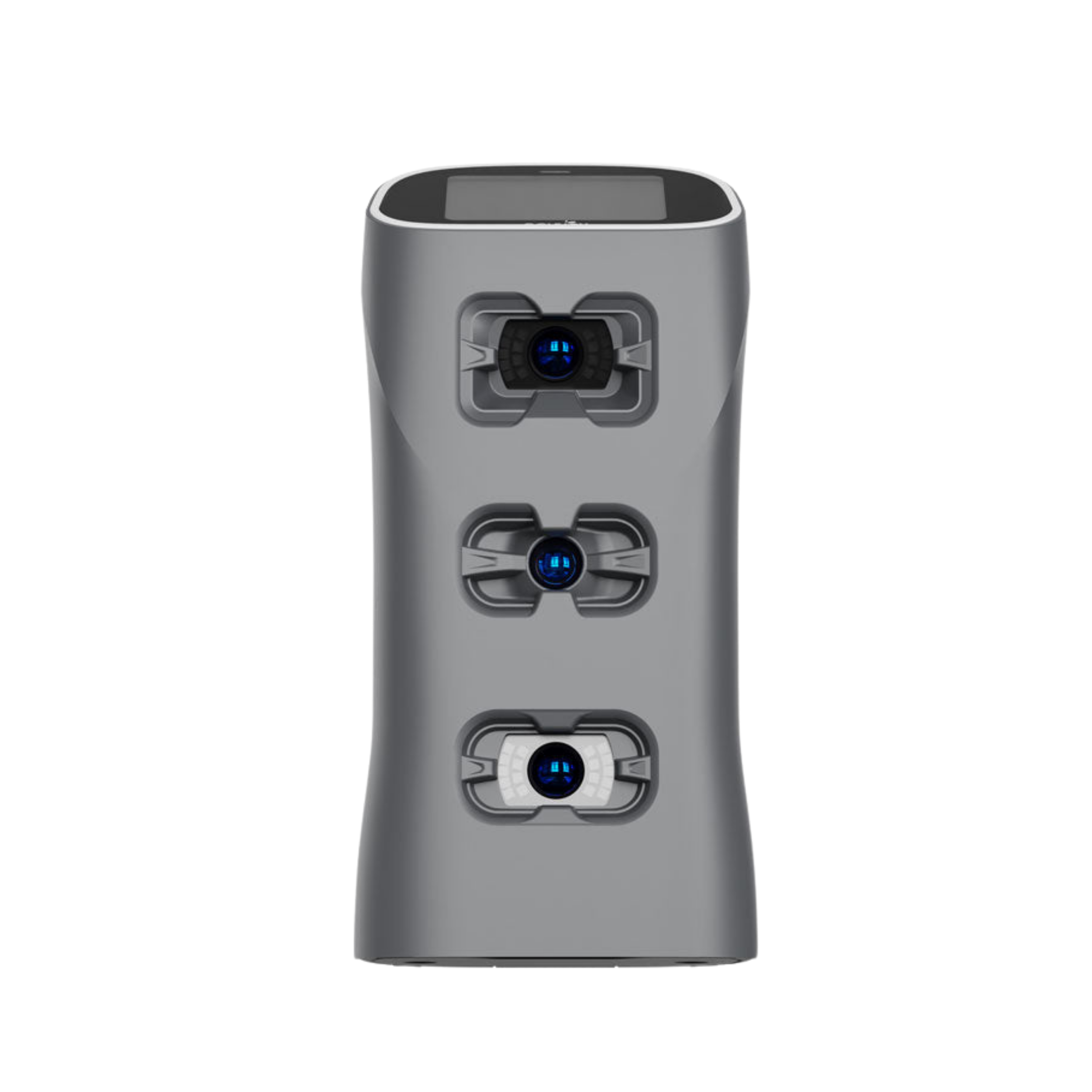
A launch monitor is a device that leverages technology to read a golf ball and in some cases, the club during an actual golf shot.
These devices will read things like ball speed, club head speed, face angle, spin rates, and much more. In many cases, these metrics will be run through a software program to simulate what that ball would have done in an actual ballflight.
How many GOLFJOY launch monitor Comprehensive Data Capture?
GOLFJOY launch monitors capture between 27 and 32 key golf metrics, depending on the model.
The portable launch monitors, including Spica 3 and GDS Pro, each provide 27 essential data points.
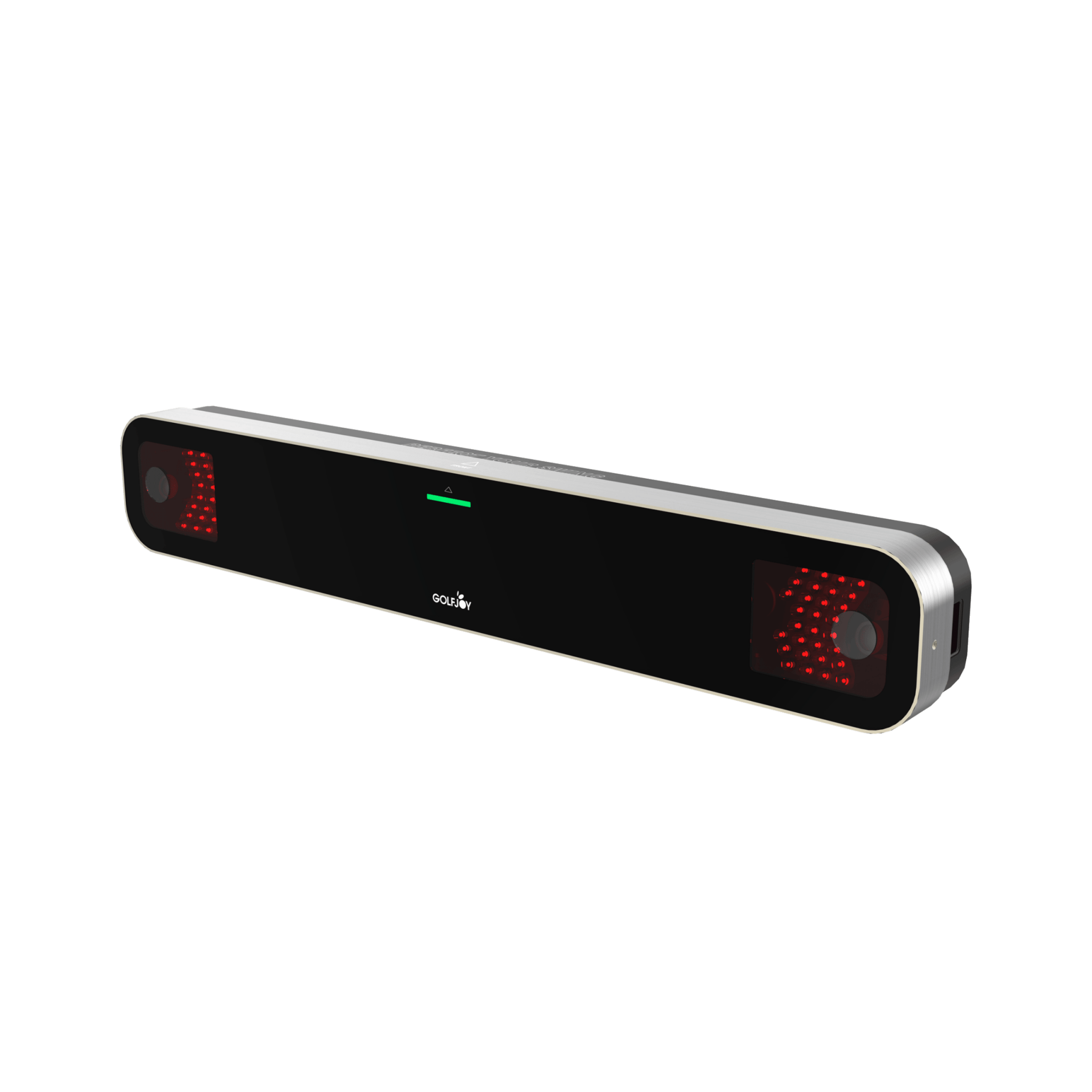
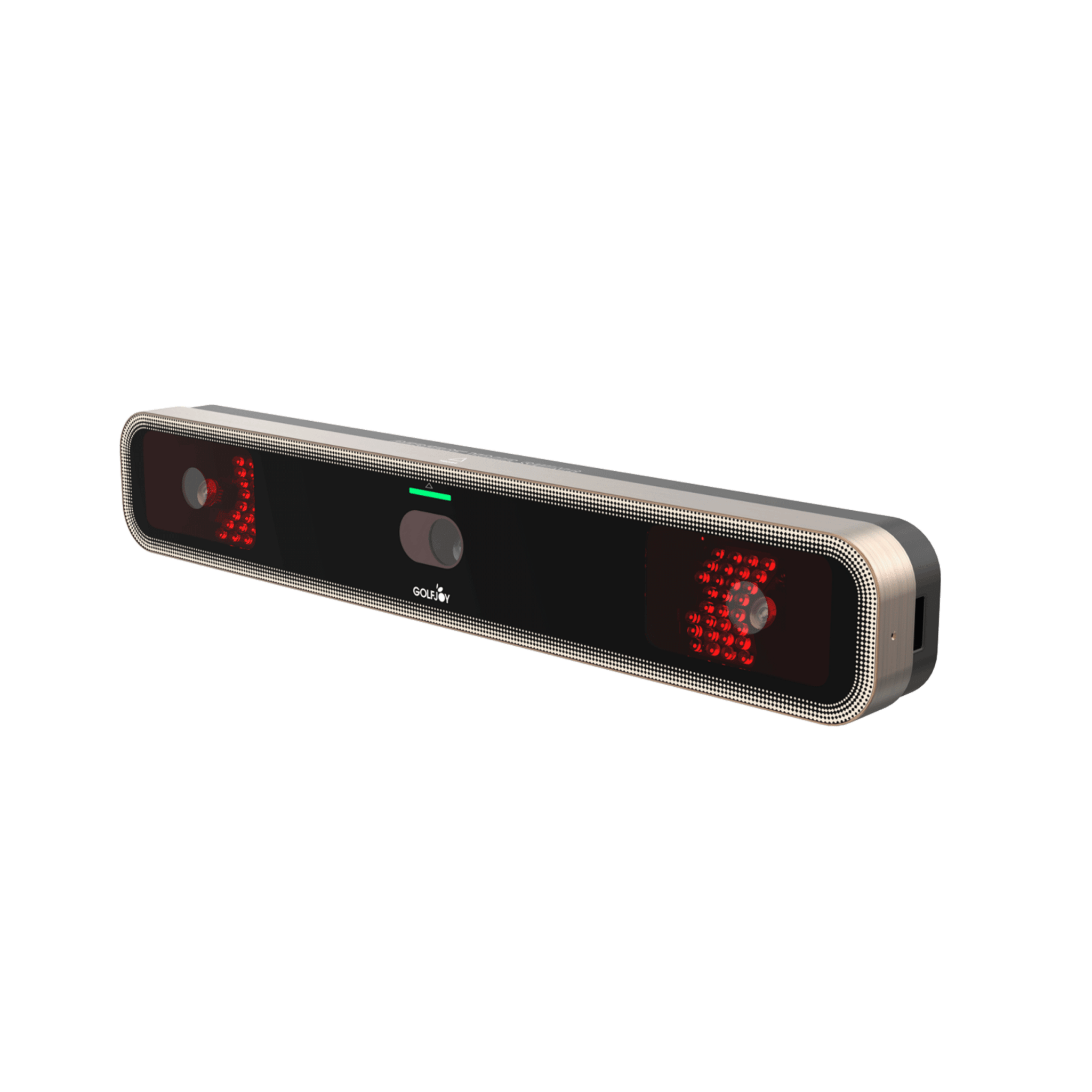
The overhead launch monitor Rigel Lite captures 29 data points, while Rigel 2 and Rigel 3 offer the most comprehensive analysis with 32 data points.
All GOLFJOY launch monitors measure a complete set of ball data, club data, and shot trajectory data, ensuring accurate performance analysis for practice, coaching, and fitting.
Does the GOLFJOY launch monitor supports left-handed players?
The GOLFJOY launch monitors offers unmatched accuracy and supports both left- and right-handed players without manual ball positioning.
What Golf Simulation Software Programs are Compatible with GOLFJOY launch monitors?
GOLFJOY’s launch monitors compatible with E6, GS PRO, GOLFJOY software
How big is the sensing area of GOLFJOY's launch monitors?
The sensing area of GOLFJOY's launch monitors are approximately 250mm*250mm, approximately 63,000 square millimeters
How do I view my data and swing videos offline?
Reviewing your data and swing videos offline is simple. Navigate to the "Session History" by tapping the bar graph icon in the bottom-left corner of the screen. There, you can access all your data and every swing video from your practice session.
Are there any hidden or additional fees when purchasing a GOLFJOY launch monitor?
No. There are no hidden or additional fees when purchasing a GOLFJOY launch monitor.
All GOLFJOY launch monitors can be used directly with the Space App to access essential performance data, with no mandatory subscription required for basic data viewing.
Which apps does GOLFJOY offer, and what is the difference between them?
GOLFJOY currently offers two mobile apps: GOLFJOY Space and GOLFJOY Pro, each designed for different use cases.
GOLFJOY Space is designed for basic practice and facility use. It allows users to view shot and swing data and, in supported locations, manage driving range or simulator reservations.
GOLFJOY Pro is the mobile version of GOLFJOY Software, offering a full virtual golf experience. Users can play simulated golf courses, access game modes, and conduct structured practice sessions.
If you only need to review practice data, GOLFJOY Space is sufficient. If you want to experience virtual courses, games, and full simulator functionality, GOLFJOY Pro is the better choice.
How accurate is the GOLFJOY launch monitor compared to leading simulators on the market?
GOLFJOY launch monitors deliver accuracy that is closely aligned with top-tier launch monitors currently on the market.
Before release, each GOLFJOY launch monitor undergoes extensive testing and validation across multiple environments. As a result, measurement accuracy is maintained within a 1% margin of error under proper setup conditions.
In terms of data accuracy, GOLFJOY performs on par with leading simulators, while offering a more competitive price point, making it a strong option for training, coaching, and simulator facilities.
What tracking technology does GOLFJOY use—radar or high-speed cameras?
All GOLFJOY launch monitors use high-speed camera–based tracking technology.
Compared to radar systems, high-speed cameras offer greater accuracy in indoor environments, as they do not require long ball flight distances and are less affected by limited space or signal interference. This allows for more reliable data capture in simulator rooms and practice studios.
For outdoor use, GOLFJOY portable launch monitors include a dedicated outdoor mode designed to optimize data capture and minimize measurement errors under varying environmental conditions.
About Golf Simulators
What are the key components of a personal golf simulator?
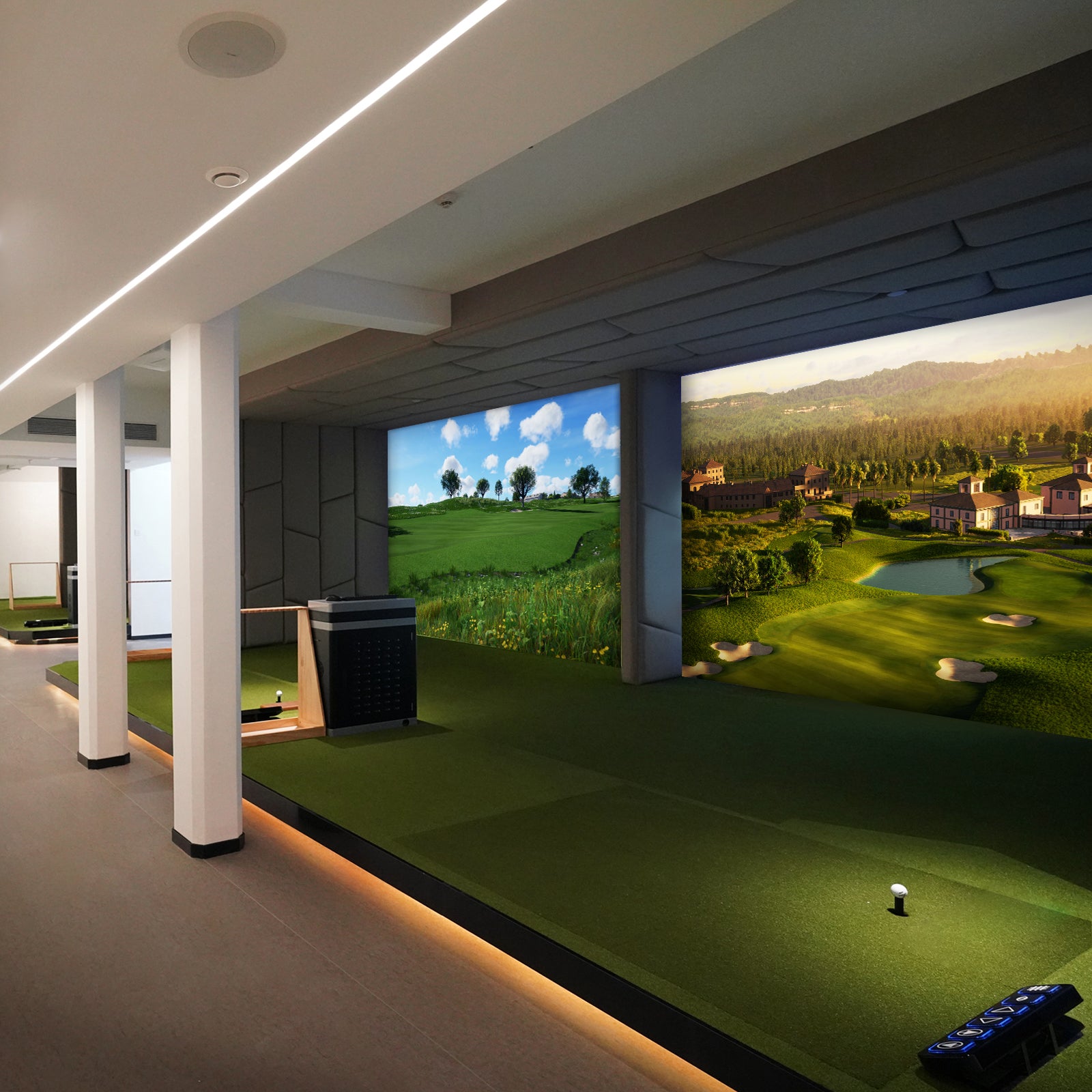
The key components of a personal golf simulator typically include: Impact screen and projector for displaying the virtual golf course. Launch monitor to measure club and ball data. Computer or console to run the simulator software. Golf mat or hitting surface. Enclosure, side netting, tracy etc.
How much space do I need for GOLFJOY simulator?
We recommend an absolute minimum height of 2.8m (9.2ft) although we recommend the ideal height to be 3m (9.8ft). This way you will feel comfortable swinging any club.
We recommend a minimum width of 3m (9.8ft).
How accurate are the swing and ball tracking measurements?
The accuracy of swing and ball tracking measurements can vary depending on the quality and technology used in the simulator. GOLFJOY simulators with high-quality launch monitors or cameras can provide accurate data on clubhead speed, clubface angle, ball spin, launch angle, and more. However, it's important to note that no simulator is 100% perfect. However, GOLFJOY's mission is to achieve 99% accuracy.
Can multiple players use the GOLFJOY simulator simultaneously?
Yes, multiple players can use GOLFJOY personal golf simulator simultaneously, GOLFJOY simulators support multiplayer modes where players can compete against each other or play together on the same virtual course.
How accurate are the simulations compared to real golf courses?
The GOLFJOY simulators are designed with precision in mind, utilizing advanced technology to ensure a highly accurate golfing experience. Our simulations are crafted based on real-world data to replicate the actual topography and conditions of renowned golf courses. Players can expect a realistic gameplay that closely mirrors the physical experience, including factors like terrain, weather conditions, and course layout.
How accurate are the simulations compared to real golf courses?
The GOLFJOY simulators are designed with precision in mind, utilizing advanced technology to ensure a highly accurate golfing experience. Our simulations are crafted based on real-world data to replicate the actual topography and conditions of renowned golf courses. Players can expect a realistic gameplay that closely mirrors the physical experience, including factors like terrain, weather conditions, and course layout.
What are the space requirements for the GOLFJOY Simulator?
The space required depends on the model of the simulator you choose. Generally, a minimum area of about 15 feet wide by 20 feet deep and a ceiling height of 10 feet is recommended to accommodate the full swing motion and projection system. Installation typically takes a few hours, and our team will handle the setup process, ensuring everything is calibrated and ready for an optimal golfing experience.
About Software
What does GOLFJOY Software contain?
Practice mode, course mode, game mode, online battle.
Is the golf course in GOLFJOY Software much different from the real golf course?
The Cutting-Edge Golf Simulator Software You've Ever Experienced.With GOLFJOY’s Ultra 4K high-definition software, indoor golf has never been so close to the real thing. Powered by Unreal Engine, the world’s leading virtual reality development tool, our simulators offer stunning 3D visuals of the game’s most iconic courses.
What adjustments can be made to the GOLFJOY Software?
You can choose when to tee off – morning, afternoon or evening – weather conditions and even wind speed.
GOLFJOY software can match you with players from all over the world?
Yes, the GOLFJOY software can match you with players from all over the world for online golfing gameplay. The platform is designed to connect golfers globally, allowing you to compete against opponents from different countries and time zones.
How do I get the club head and swing camera video?
To get your swing video with club data, you need to do two things:
First, go to Venue Settings and switch on "Video Playback" and "Clubhead Video".
Then, record a video of your swing using your phone. The app will combine them automatically.
About Shipping and Sevice
Do you ship overseas?
Yes, we ship all over the world. Shipping costs will apply, and will be added at checkout.
Can I return my launch monitor & golf simualtor?
You can return within 30 days. If you are not happy with your GOLFJOY launch monitor within your first 30 days, please contact customer support for a full refund.
How long is my warranty?
Our products include a one-year warranty for the complete unit.
- Overhead Launch Monitor: 2 years
- Portable Launch Monitor: 1 year
- Consumables: Not covered
The warranty period starts from the earliest of the invoice date, delivery date, or product registration date.
Within the warranty period, defects not caused by misuse will be repaired or replaced free of charge. Replacement units will carry the remaining warranty period of the original product, or 90 days, whichever is longer. Shipping costs are covered by GOLFJOY unless otherwise required by law.
After the warranty expires, customers are responsible for parts, labor, and shipping costs.
Damage caused by misuse, improper transport, or unauthorized disassembly or modification is not covered and will incur charges.
What does my warranty cover?
Your GOLFJOY Consumer Warranty guarantees replacement in the event of product defect related to materials or craftmanship.
The warranty does not cover impact or cosmetic damages, damage by misuse, improper installation or testing, attempts to modify the product, attempted service (exceptions for battery replacement), or general wear and tear over the lifetime of the device, as well as any damages caused by spills, liquids, fires, power changes or other hazards outside of normal operation or use with 3rd party peripherals.
How to contact your support team?
You can contact our support team through the following emails:business@golfjoy.com
How long does it take for my order to arrive?
It depends on where you are. Orders processed here will take 3-7 business days to arrive. Overseas deliveries can take anywhere from 7-16 days. Delivery details will be provided in your confirmation email.
Can I cancel or change my order?
Orders can be edited or canceled only before the shipment via our customer support team.
What is the warranty and support provided with GOLFJOY personal simulator?
We offer 1 year warranty, excluding consumables.
Spica 3
How long will it take to get my orders?
It depends on where you are. Orders processed here will take 5-7 business days to arrive. Overseas deliveries can take anywhere from 7-16 days. Delivery details will be provided in your confirmation email.
What data points do the Spica 3 Launch Monitor capture?
Powered by advanced AI and high-performance processors, Spica 3 launch monitor deliver real-time tracking of 27 essential golf metrics - from club speed and ball dynamics to spin rates, launch angles, and impact efficiency - giving players complete swing analytics.
Do Spica 3 Launch Monitor support Left-handed Golfers?
Spica 3 launch monitor deliver pinpoint accuracy while automatically adapting to both left- and right-handed players - no manual ball alignment required.
How big are the sensing areas of GOLFJOY's Spica 3?
Right-angled trapezoid
L: 250mm
W: 200/250mm
Can the Spica 3 launch monitor be used indoors?
The Spica 3 is engineered for both indoor and outdoor golf performance, featuring:
1.Dual-environment precision: Delivers accurate swing data anywhere - at the range, on the course, or in your home
2.Adaptable design: Optimized for compact home setups, golf studios, or outdoor practice sessions
3.Advanced sensor technology: High-speed camera systems for reliable performance in all lighting conditions
4.Virtual course capability*: Compatible with golf simulation software to transform your space into a virtual course
How does launch monitor Spica 3 work?
Spica 3 uses triple high-speed cameras paired with an advanced processing chip and AI algorithms to track:
- Ball data: Ball Speed, launch angle, Back Spin,Spin Rate and so on......
- Club data: Club Path, Club Speed,Smash Factor and so on.......
- Trajectory data:Total Distance,Roll Distance, Carry% and so on......
What specific data does GOLFJOY Spica 3 provide?
Spica 3 delivers 27 professional-grade metrics across three categories:
1. BALL DATA (7 metrics)
- Ball Speed • Launch Angle • Back Spin • Launch Direction
- Side Spin • Spin Rate • Spin Axis
2. CLUB DATA (4 metrics)
- Club Speed • Smash Factor • Attack Angle • Club Path
3. TRAJECTORY DATA (16 metrics)
- Total Distance • Carry Distance • APEX • Landing Angle
- Hang Time • Deviation • Roll Distance • Center Line
- Curve • Gap • Side Carry • TargetLine Carry
- Curve Carry • Carry% • Roll% • Deviat. Ang.
What are the key benefits of using Spica 3?
Spica 3 delivers professional-grade performance with these advantages:
1. Unmatched Data Precision
2. Anywhere Performance
3. User-Friendly Design
• No special balls or stickers required
• Fits in standard golf bag (portable 7.7 lbs)
• 6+ hour battery for practice sessions
Can I use my iPhone as a golf launch monitor?
While smartphones alone cannot function as professional launch monitors, Spica 3 offers comprehensive mobile integration:
Multi-Platform Compatibility: Works with smartphones, tablets, and computers
SPACE 2 App: Downloadable on iOS/Android devices for real-time data visualization
Standalone Operation: Features built-in display for instant swing metrics without mobile devices
Spica 3 delivers professional-grade tracking whether connected to mobile devices or used independently.
Does the GOLFJOY Spica 3 launch monitor require a subscription?
The GOLFJOY Spica 3 operates without any mandatory subscription fees. However, access to premium features such as virtual games or virtual courses requires the purchase of compatible third-party software, including GOLFJOY's proprietary platform, E6 CONNECT, or GSPro.
How can I pair the Spica 3 with the GOLFJOY PC software?
Please watch this video(Connect Toturial). It will guide you through the connection process.
R Series
What is the difference between the front-mounted and rear-mounted Rigel 2 overhead launch monitors, and how should I choose?
The main difference between the front-mounted and rear-mounted versions of the Rigel 2 overhead launch monitor lies in the number of club data parameters captured.
The front-mounted Rigel 2 provides several additional advanced club metrics compared to the rear-mounted version. These additional data points include Face Angle, Face-to-Path, Dynamic Loft, Dynamic Lie, and Closure Rate.
If your focus is on detailed club delivery analysis, such as swing mechanics, face control, and advanced coaching or fitting, the front-mounted version is the better choice.
If you primarily need reliable ball flight and core performance data for general practice or simulator play, the rear-mounted version offers a more streamlined and cost-effective solution.
